

Overlook (ytfloat)
Why this label: There's no public site to check yet, and it has had work in the last three months.
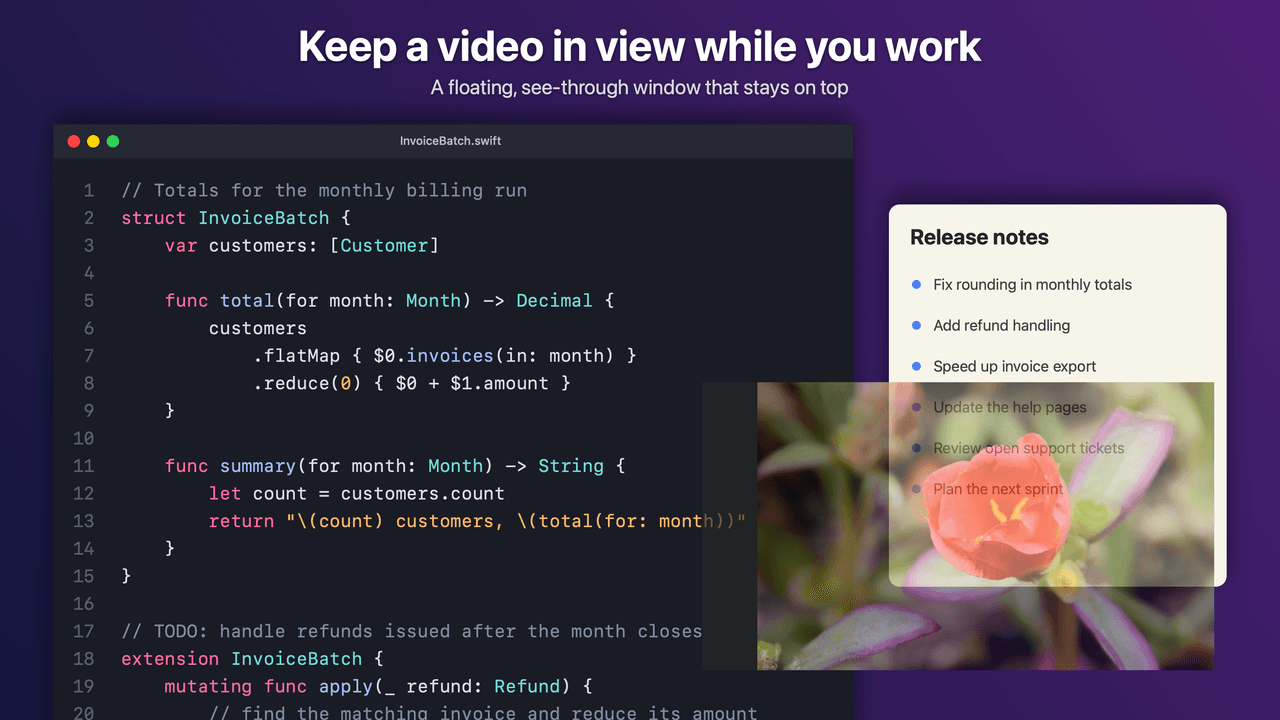
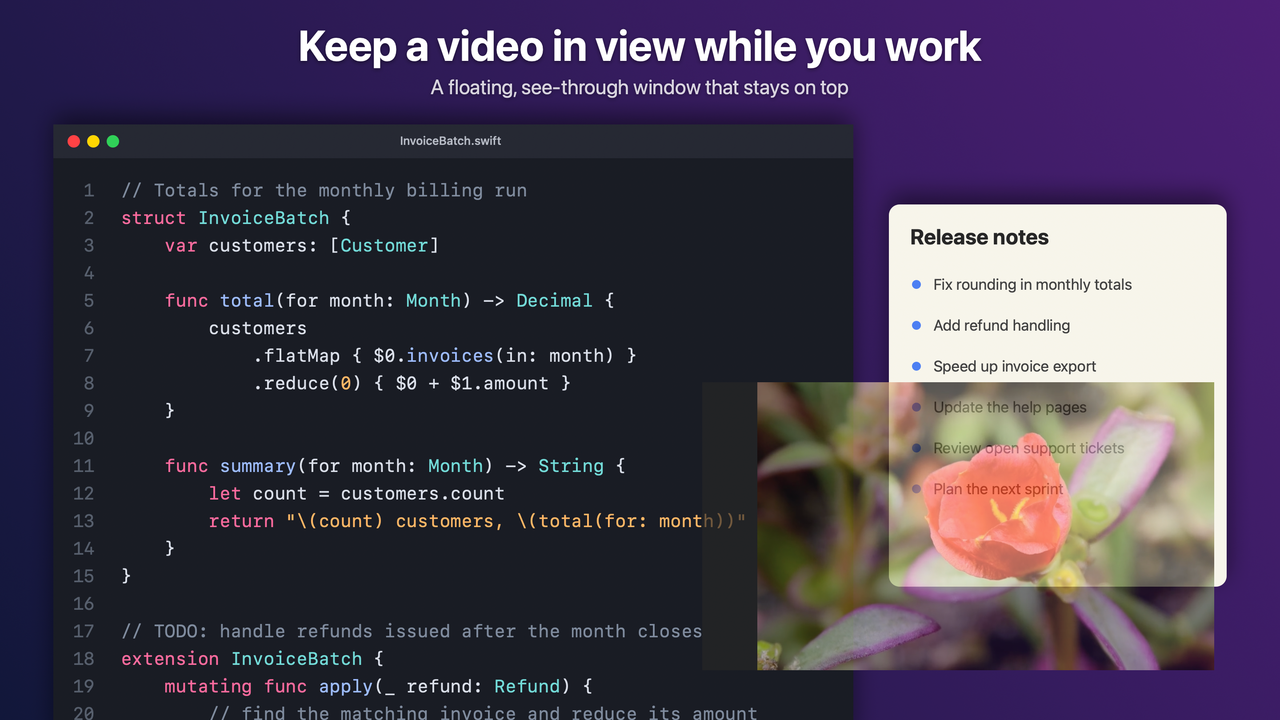
Keep a see-through video floating over your work on a Mac while your clicks pass straight to the app below.
Captured · From Overlook (ytfloat)'s own source files
Current status
Native Swift macOS menu-bar app that keeps a click-through floating video window over your workspace.
preset_pillsstep=1/2 · mode=core_pipelineOverview
Lightweight native macOS menu-bar video player that keeps a semi-transparent, click-through video floating over your code editor or full-screen workspace.
Why it was built
Standard browser Picture-in-Picture windows cover up parts of your screen, block mouse clicks on the app underneath, and cannot be made translucent.
Why it helps
Lets you watch a coding tutorial, lecture, or stream while working—your mouse clicks pass straight through the floating video to the editor or game behind it.
What you can do
- One-hotkey click-through mode so the floating video never blocks your mouse
- Smooth adjustable transparency slider that stays visible across full-screen spaces
- Tiny native Swift app living quietly in the macOS menu bar
- Supports both Mac App Store and standalone desktop builds
macOS click-through NSPanel floating picture-in-picture overlay utility.
What you see & how you interact
Always-on-top Picture-in-Picture mini-player overlay with translucent timestamp chapter markers and keyboard-first playback HUD.
Instant J/K/L frame-step transport controls, playback speed presets, and one-key markdown timestamp bookmarking.
Engineering Velocity & Open-Source Hygiene
Synced from @brbrainerd and @vox-foundation via the GitHub GraphQL API (GET /api/github/stats).
Single-file full-stack programming language and Rust compiler that generates database schemas, server routes, and typed clients from one declaration.
Interactive political economy simulator with ECS civic rights, institutional modeling, policy levers, and multi-regime scenarios.
More in Media & Video
Other projects in the same category.

Trim, crop, resize, convert and add subtitles to your own video in the browser, then download the result.

Search across subtitle files and video libraries with lexical, semantic, regex, and visual frame matching, then edit cues.
Drag a box around anything in a Krita painting and get a clean cutout selection on its own layer.